

Meeting Owls: Why BYOD Meeting Rooms Can Be a Bad Idea
According to the Office for National Statistics (ONS), about 40% of UK workers were either hybrid working or fully remote. So, with less pressure to host in-person meetings, hybrid meeting room systems have seen increased demand. As a result, devices such as the Meeting Owl have become popular, promising simple, plug-and-play meetings, but these systems often rely on bring-your-own-device (BYOD) setups, which can introduce problems.
In this blog, our experts will share their insight into BYOD setups versus professionally installed audio visual (AV) systems.
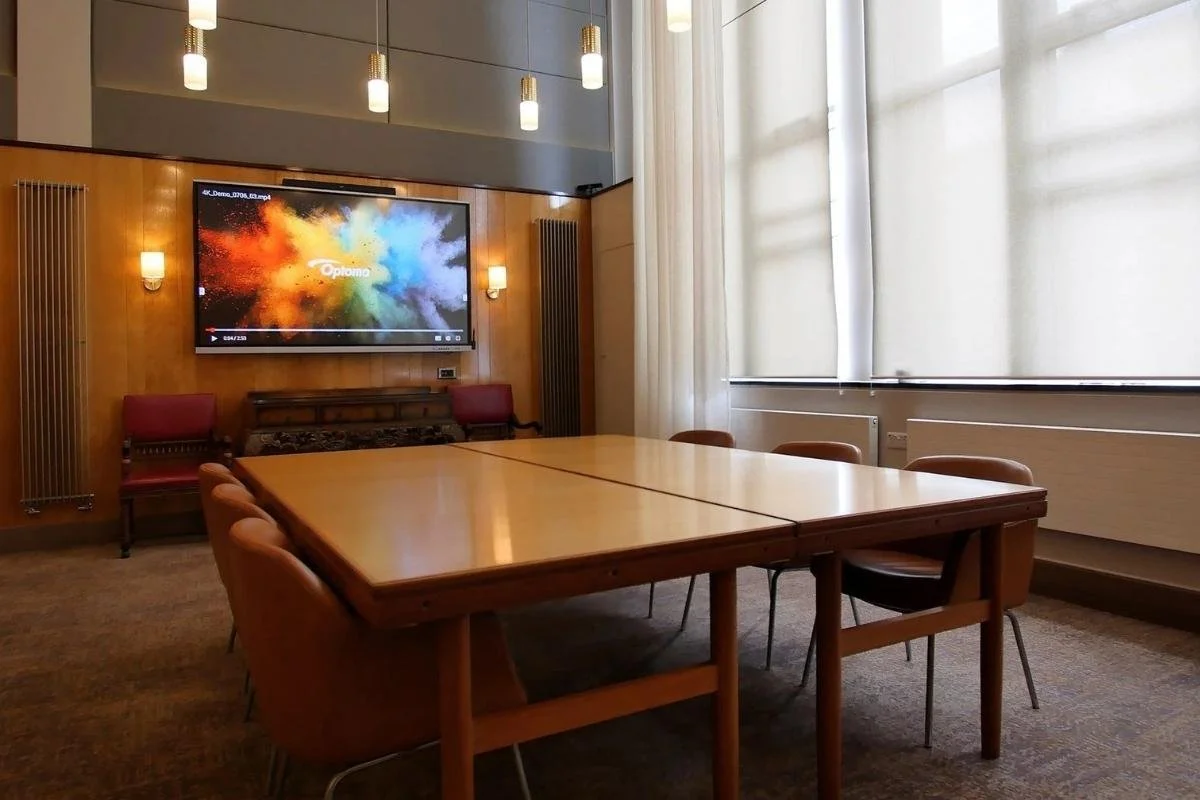
Discover how we modernised a 1960s boardroom into an MTR in our case study.
What Is a Meeting Owl?
A Meeting Owl is a 360° camera with a built-in microphone and speaker, and is designed to sit in the middle of the table and connect via an external device such as a laptop.
The most popular product in the range is the Meeting Owl 3, ‘the essential all-in-one device’ that has the following features:
1080p HD output resolution
360° field of view
video pickup radius of 10ft / 3m
8 omnidirectional beamforming smart mics
On the surface, this seems to be a budget-friendly meeting room solution, and while that is a considerable benefit, it’s important to note that the Meeting Owl is a BYOD system, meaning performance depends on the user’s device and broader meeting room setup. Crucially, such a system configuration does not operate as a standalone.
The real question is: should you invest in a device such as the Meeting Owl or a professional, pre-configured system? The Meeting Owl is one of the many portable meeting room devices currently on the market, and while it’s quick and somewhat straightforward to deploy with little expert knowledge, this can lead to inconsistent or, in some cases, unusable results. Meanwhile, installed AV systems are reliable and purpose-built.
Why BYOD Meeting Rooms Can Be a Bad Idea
A BYOD meeting room is when users bring their device, such as a laptop or tablet, and use it to connect to devices such as the Meeting Owl or use cables to connect to screen displays. BYOD meeting rooms work well until something goes wrong, and when it does, it can disrupt the entire meeting. Common issues include:
Adaptor Compatibility: Everyone has a laptop preference, whether it’s a Windows or a MAC, and this means various adaptors will be needed at all times to ensure connection.
Device Selection Errors: Your meeting can quickly become amateurish when the wrong microphones and cameras are selected, or your audio is coming from a laptop instead of your BYOD setup.
Inconsistent User Experience: Every meeting depends on a different laptop, which can all have different settings and software, meaning experiences have to be navigated each time.
Setup Delays: Setting up a BYOD meeting room takes time: plugging in cables, selecting devices, and troubleshooting sound and audio, which makes for a time-consuming process.
Room Standardisation: Every meeting room behaves differently, especially when AV systems haven’t been professionally installed, making the experience highly unpredictable.
Technical Operation: Ultimately, these kinds of BYOD systems will always rely to some extent on the end user knowing how to operate and, indeed, troubleshoot the system; offloading a lot of burden onto the customer.
While new systems come with a learning curve, constant poor experiences will eventually affect your brand image and increase frustration amongst clients, staff, and partners alike. Here’s a closer look at why devices such as the Meeting Owl might be a bad idea for your organisation.
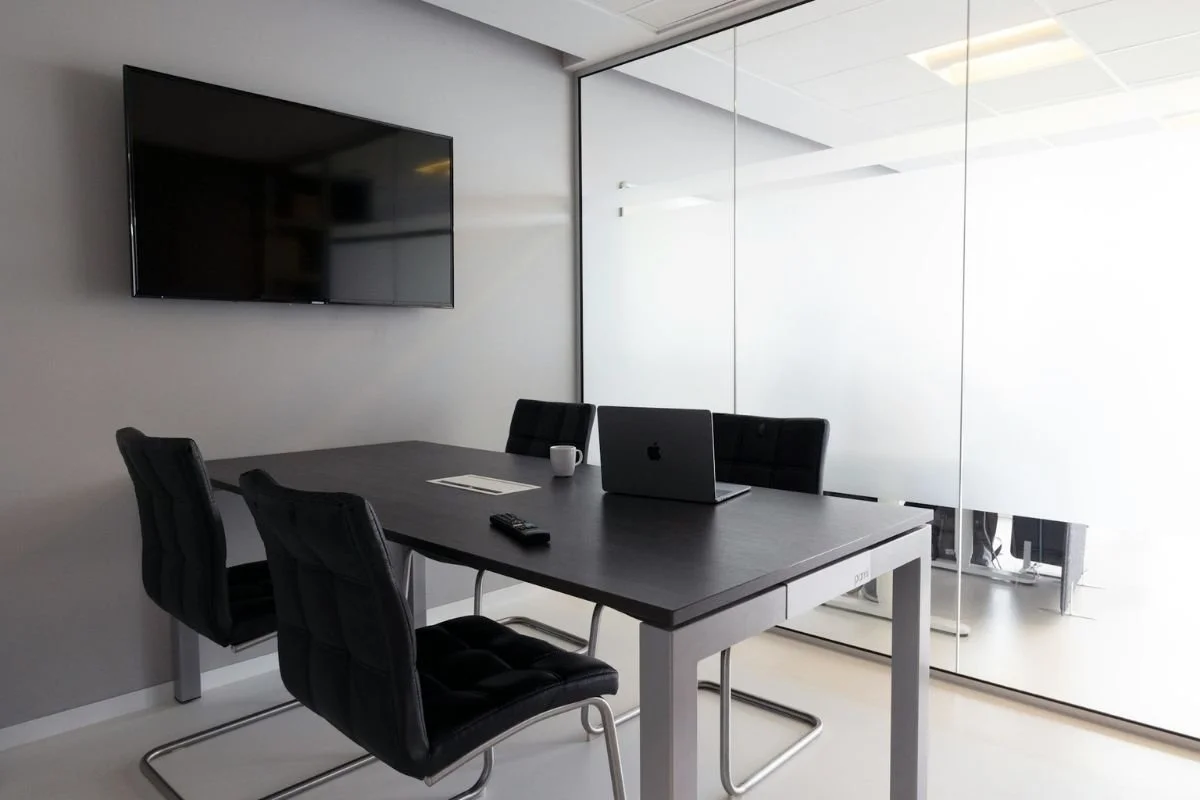
BYOD meeting rooms work well until something goes wrong, and when it does, it can disrupt the entire meeting.
The “In-the-Middle-of-the-Table” Problem
Although the 360° camera perspective can be useful in capturing everyone at once, the viewing angle can be unnatural, resulting in awkward eye-lines, which can come off as less professional for client meetings. The 360° camera approach is deployed in next to no high-end meeting and board rooms. Instead, multiple cameras would be deployed in most high-end rooms, where a single perspective can’t reliably deliver the desired results.
In smaller, more cost-focused rooms, whilst a 360° camera option can work, the reality is it’s often a much better idea to reconfigure the room to allow a camera on one wall, to be able to ‘see’ all delegates' faces. Front-facing cameras will typically result in better engagement and more natural meeting dynamics.
Coverage vs Reality
Again, the 360° view does not mean full-room effectiveness, as it’s limited to a range of 3 metres, which makes it a poor choice for larger or longer meeting rooms. There is a particular issue created where participants don’t or cannot sit equidistantly from the camera. This can result in the (often poor) digital zoom providing drastically different video quality for each participant. Installed meeting room solutions, such as camera bars and speaker tracking, tend to have much better camera zoom and lens options, having already been designed to handle the ‘right’ distances as per the size of the room they are specified for.
Audio Quality: The Real Failure Point
Did you know 71% of Zoom users say ‘You’re on mute’? While this phrase has become part of our vocab, it’s essential that when your audio is on, it’s high-quality; remote participants will tolerate imperfect video, but they won’t tolerate poor audio. Unlike professional AV systems, BYOD setups depend on the laptop and the environment, which can result in echoes, muffled voices, and inconsistent voice pickup.
If a user coming into the room for the first time doesn’t realise they haven’t changed the microphones to the BYOD device (such as the Meeting Owl), then those on the ‘far end’ certainly won’t know there’s any issue other than the audio is ‘bad’. It’s a lot easier to realise the ‘special’ 360° camera isn’t being shown than it is to be certain what microphone is or isn’t selected in the room.
Lastly, even when the right microphone and speaker combination is selected, there’s actually no guarantee the experience is good enough. The microphone arrays on these kinds of systems are lacklustre and often under-engineered. Instead of relying on the proximity of the device to participants, instead of any well-designed beamforming or auto gain control, which frankly is now essential and industry standard.
Most camera bars now have excellent beamforming mic arrays built in. Not having to worry about what is coming from behind the bar likely simplifies this engineering arrangement. The bars we typically specify also come with a comprehensive range of add-on options such as wireless table mics and fixed, wired ceiling mics, which make the experience night and day, to something like a Meeting Owl 3.
The Hidden Friction: Cables, Clutter, and Setup Time
72% of workers lose time due to technical difficulties with their virtual meeting setup, whether it’s arranging laptop connections or organising messy and distracting cables. A good meeting room shouldn’t begin with someone crawling under a table looking for the correct cable.
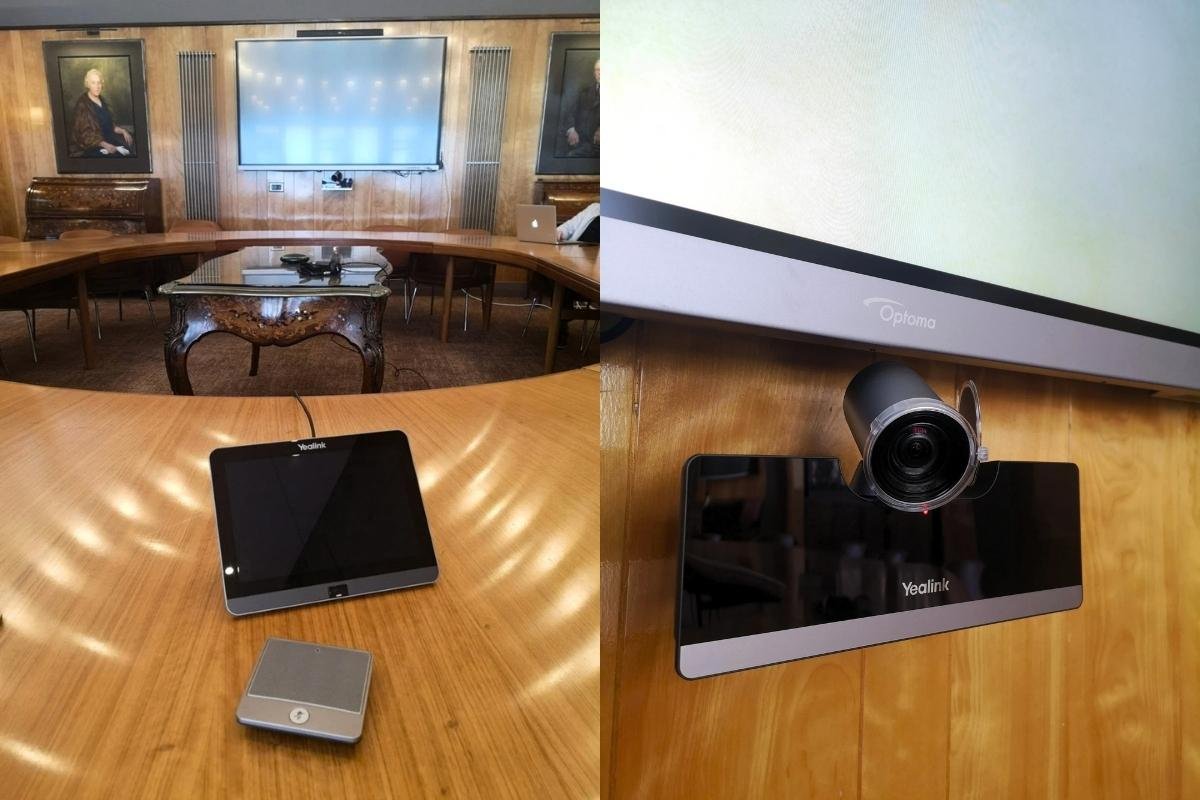
These features have been demanded and tested by millions of users worldwide, so you don’t have to think about anything other than the content of your meeting.
What We Recommend Instead: Microsoft Teams Room (Or Zoom Room)
A survey found that 86% of meetings include at least one virtual participant. If your meetings also look like this, instead of the Meeting Owl, we’d recommend investing in a Microsoft Teams Room (MTR). If Zoom is your meeting platform of choice, then similar systems exist that are tailored for Zoom. Increasingly, interoperability is becoming more straightforward. So, if the reason you have a BYOD room already is because you need that flexibility, get in touch with us, and we can help you navigate to the best solution for you.
An MTR is a purpose-built meeting room and conferencing solution that transforms spaces into hubs for collaboration. It is designed and installed by professional AV engineers to include high-quality screens, cameras, and microphones all in one easy-to-use and centralised system. As a result, this makes joining and sharing seamless for an elevated experience.
These systems are accredited by Microsoft or Zoom and simply ‘just work’. Functions like an integrated calendar to allow you to find the meeting time that’s free – easy integration of room booking tablets for outside the room – and a host of other features you won’t know you need until you have it are built in. These features have been demanded and tested by millions of users worldwide, so you simply don’t have to think about anything other than the content of your meeting.
If you want to move beyond the limitations of BYOD setups for an installed system that offers a reliable, long-term solution, we can help. Whether you have a small meeting room on a budget or want to fully invest in your meeting space, we can bring your vision to life.
We Can Optimise Your Meeting Room
At Spartan AV, our team has over 14 years of experience in creating bespoke AV solutions for our clients, from consultation and design through to installation and training. We provide a fully integrated solution for your business.
Discover how we modernised a 1960s boardroom into an MTR in our case study.
Are you ready to take your meeting room to the next level? Get in touch with our team on 02920 481797 or at quotes@spartanaudio.co.uk to discuss your requirements.