The Ultimate Audio Visual Maintenance Checklist
Every successful event relies on its technology working when it matters most.
Whether you’re hosting a crucial corporate presentation or an annual awards show, your audio visual (AV) set-up needs to deliver every time.
Regularly checking your AV both prevents last-minute malfunctions and extends the lifespan of your equipment, ensuring your investment is worth it.
At Spartan Audio Visual, we know the importance of well-maintained systems as they allow for smoother events, sharper visuals and clearer sound.
In this guide, we’ll cover the 6 essential steps of the ultimate audio visual maintenance checklist, so you can keep your systems performing seamlessly.
The Value of Regular AV Maintenance
Having eliable AV systems isn’t an accident. It’s caused by planning, attention to detail and consistent care.
Caring for your AV systems helps you prevent minor issues from snowballing into major problems.
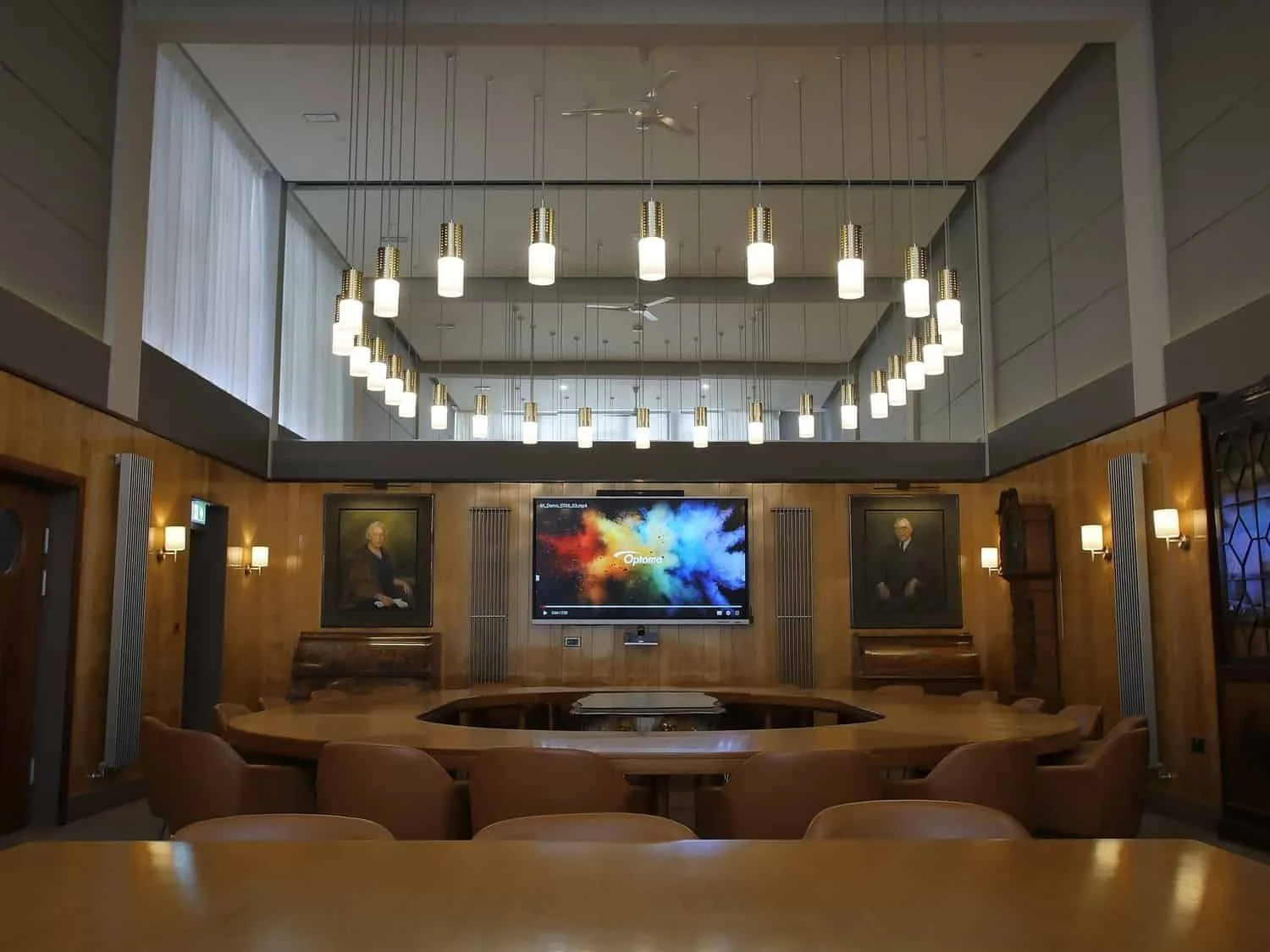
By following an AV maintenance checklist, you’re not simply ticking boxes; you’re investing in long-term reliability for your set-up.
When everything is working according to plan, you avoid unpleasant surprises, feel less stressed, and have confidence that your event will run smoothly and that its message will be impactful.
Your Audio Visual Maintenance Checklist
Let’s dive into the 6 key steps to ensure your equipment is performing to its full potential.
1. Inspect & Clean Your Equipment Regularly
You need to keep your equipment very clean. Any dust, debris, or wear causes small performance issues that can escalate into full-scale failures.
By regularly inspecting your equipment, you can notice these problems early before they interrupt your event.
Create a cleaning schedule tailored to how often you use your equipment. For heavily used systems, we recommend monthly maintenance.
Wipe down your displays and projectors with a microfibre cloth and a cleaning solution specifically designed for them.
For speakers and microphones, use soapy water to clean grills and pop filters and use compressed air to clear vents.
Check your cables and connectors for fraying, oxidation and loose connections. If you notice any damage to your cables, replace them immediately to avoid signal issues.
2. Test Audio Performance & Calibrate Sound Systems
Audio is essential to your event, and even small sound imbalances can disrupt clarity and listener comfort.
To ensure your audience hears every word precisely as intended, test your audio frequently.
Start by running full sound checks by playing a range of audio frequencies to detect distortion, dead spots or feedback. The last thing you want is your audience’s ears to be blasted with high-pitched noise.
You likely use microphones often in your events, so spend some time thoroughly evaluating their performance. Check your microphone’s gain levels, range, and battery life and stock up on spares for wireless systems.
If you have multiple rooms in your event space, walk around while testing to ensure even sound distribution.
3. Review Visual Displays & Projection Systems
Your screens and projectors are the focal points of your presentation. To keep your content professional, we’re sure you’d like to avoid dull displays, pixel issues and poor colour balance.
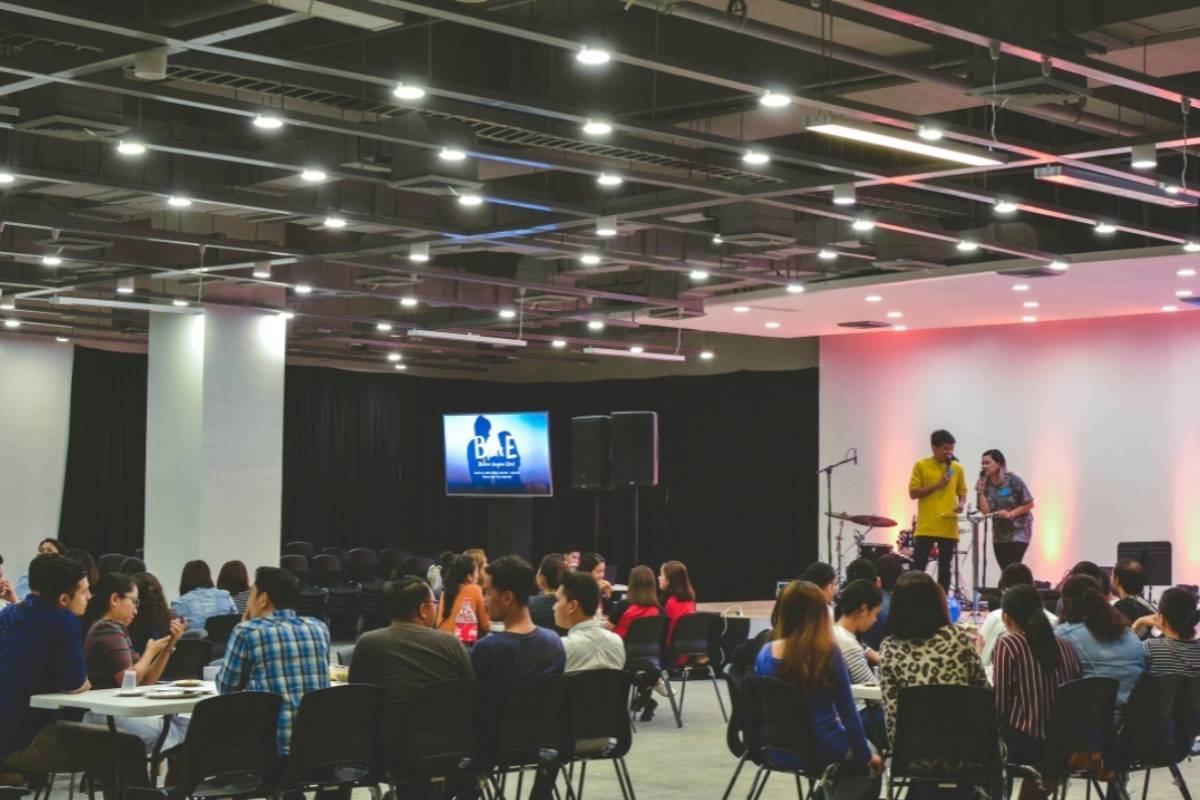
Review your visual displays by inspecting their brightness and cables, as well as cleaning lenses, updating firmware and testing your playback systems.
Here are the key checks to perform for your visual systems:
Brightness & Colour Calibration: Adjust these to maintain image consistency and prevent any washing out.
Clean Lenses & Filters: Use a microfibre cloth and cleaning solution to wipe these down, because dust or smudges can blur your projection.
Update Firmware: Keep your technology up to date to improve its performance.
Inspect Cables & Signal Sources: Ensure your HDMI, SDI, or DisplayPort connections are not loose or worn.
Test Playback Systems: Verify that your playback systems produce seamless transitions between slides, videos, and live feeds.
If you’d like some support with reviewing your visual displays and your overall AV maintenance, contact us today to book a maintenance visit or discuss an ongoing service plan tailored to your set-up.
4. Check Lighting Systems & Control Interfaces
Lighting sets the mood and guides your audience’s focus, meaning any lighting faults can seriously affect the flow of your event.
Inspect your fixtures, checking for burnt-out bulbs, loose fittings, or flickering lights. Clean your lenses and gels.
Test your control systems by confirming that dimmers, switches, and DMX controllers respond correctly and your pre-set lighting scenes match your event’s current requirements.
5. Evaluate Software, Firmware & Connectivity
AV systems rely on a combination of hardware and software. If your firmware is outdated or your software is unpatched, this can cause glitches, connectivity issues, and even security vulnerabilities.
Take the time to schedule quarterly updates to make sure all systems are running the latest firmware. Don’t forget to check compatibility to verify that updates don’t conflict with existing devices or network configurations.
Always check your wireless connectivity, such as Bluetooth, Wi-Fi, or streaming devices, to confirm stable and fast connections.
Secure your network to protect it from interference or intrusion, as AV systems are increasingly targeted.
6. Document Checks & Schedule Preventive Maintenance
Keep detailed records of your checks, tracking what’s been checked, cleaned and replaced, and when this was completed. This ensures your maintenance is a reliable process.
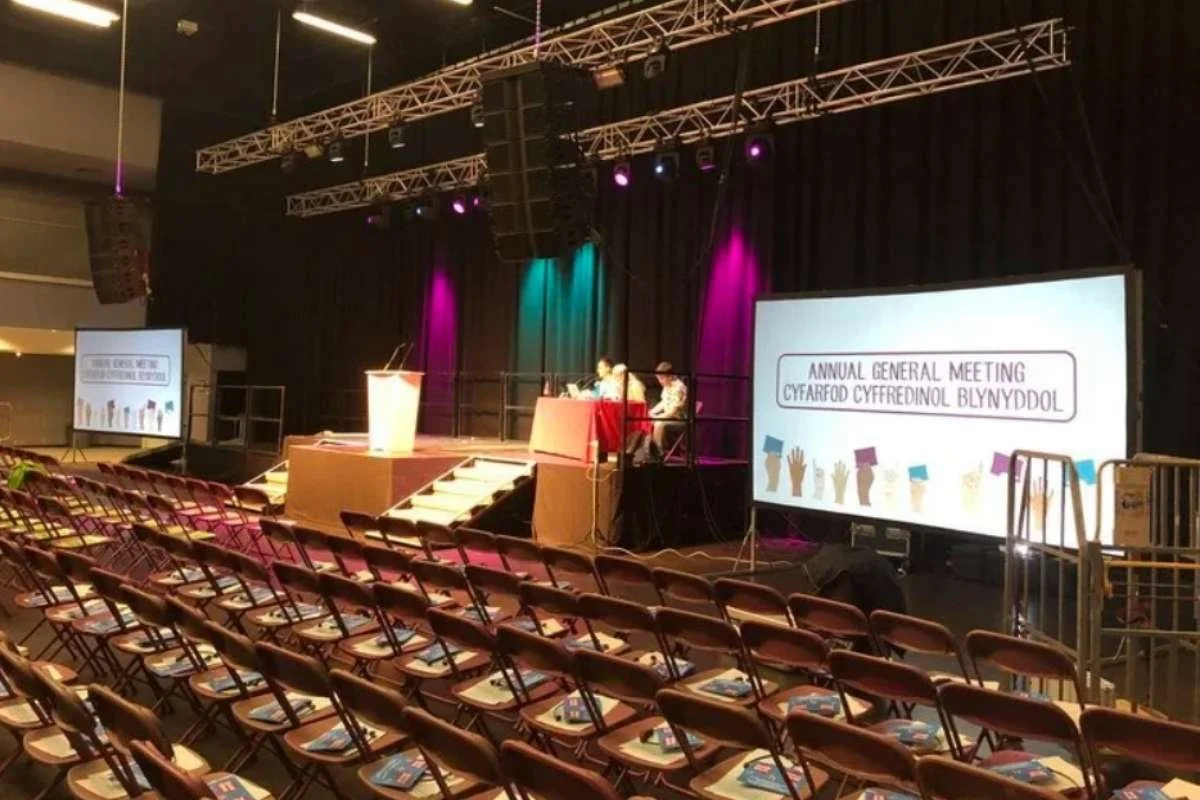
Record all of your checks and schedule preventative maintenance to ensure you have a clear history of your maintenance and can achieve consistent performance.
Creating a Preventive Maintenance Schedule
Monthly: Basic cleaning and visual inspections.
Quarterly: System testing, calibration, and firmware updates.
Annually: Full system audit, equipment servicing, and replacement of ageing components.
This routine ensures consistent performance and provides a clear history for warranty claims.
Partner with Experts to Keep Your AV Running Flawlessly
We hope this maintenance checklist has clarified how you can maintain your AV systems.
If you require professional help, at Spartan Audio Visual, we specialise in supporting businesses, venues, and event organisers in maintaining their AV systems to professional standards.
Our expert engineers provide detailed inspections, preventive maintenance, and rapid support, ensuring your technology performs perfectly every time.
If you’d like to take the stress out of AV upkeep, contact us to book a maintenance visit or discuss an ongoing service plan tailored to your setup.